Upgrading electronics is one of the most exciting projects on a boat, and one of the easiest to get wrong. A new multifunction display, radar and sonar can transform navigation and fishing, but only if the pieces are chosen to work together and installed with care. Poor planning leads to screens that cannot share data, transducers that lose the bottom at speed and radar that shows clutter instead of targets. This guide covers what to think about before the first hole is drilled.
Start With How You Use the Boat
A coastal cruiser, an offshore angler and a weekend harbor boater need different things. List what you actually want the electronics to do: navigate at night and in fog, find fish and structure, monitor engines, run an autopilot, or all of these. That list decides screen size and number, whether you need radar and what type, and which sonar technologies make sense.
Building the Network: The NMEA 2000 Backbone
Modern electronics share data over NMEA 2000, a standardized network that carries position, heading, depth, wind, engine data, fuel flow and tank levels between devices. A properly designed NMEA 2000 backbone runs as a single trunk cable with a terminator at each end, and devices connect to it with short drop cables. Power enters at one point, ideally near the middle of the load, through its own fuse.
Common network mistakes
- Missing or extra terminators, which cause intermittent data dropouts
- Drop cables that are too long, or devices daisy-chained instead of teed off the trunk
- Powering the network from several places, which creates ground loops
- Connecting older NMEA 0183 devices without the correct gateway
Radar and high-bandwidth sonar usually connect over the manufacturer's own Ethernet network instead, so a good plan often includes both.
Chartplotter Installation
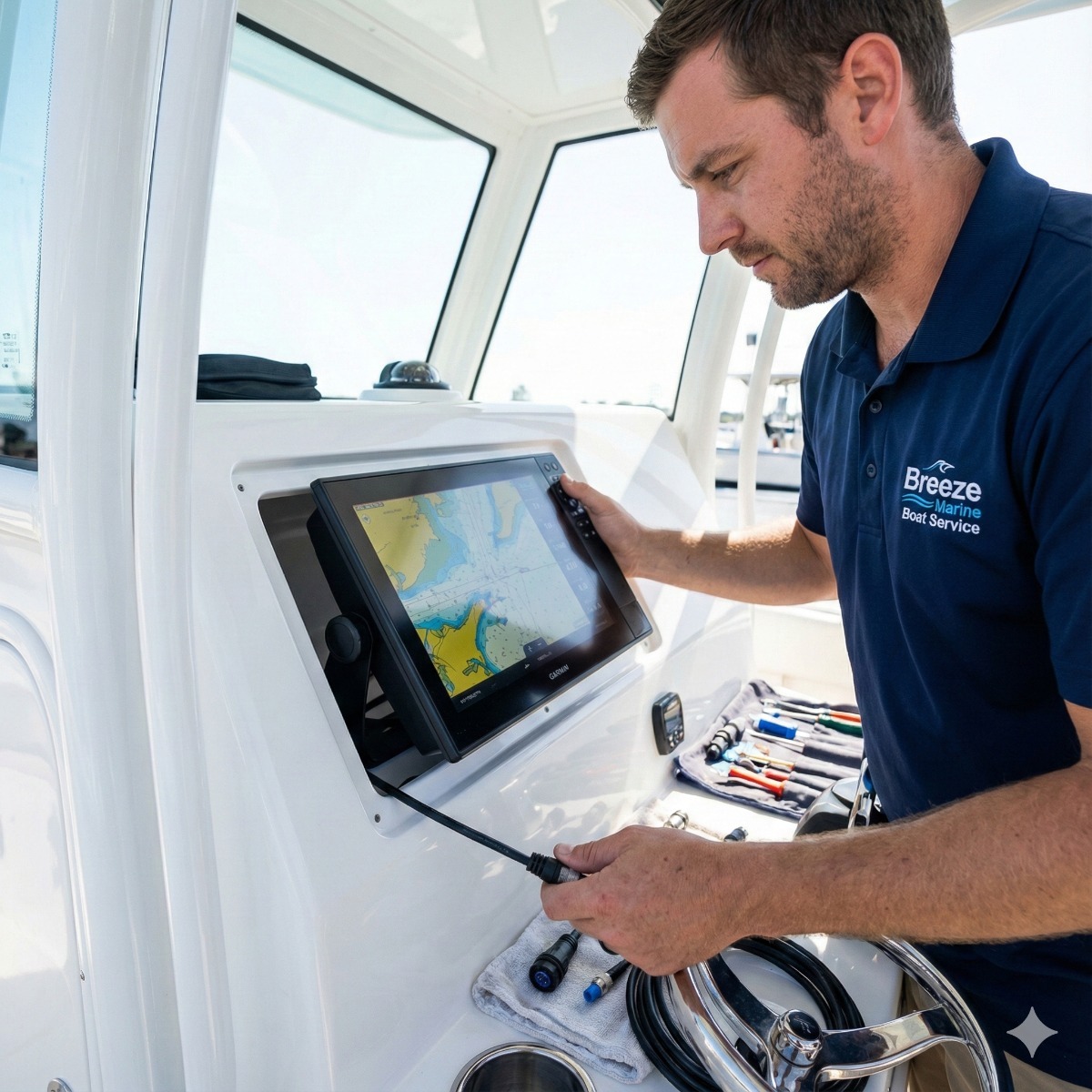
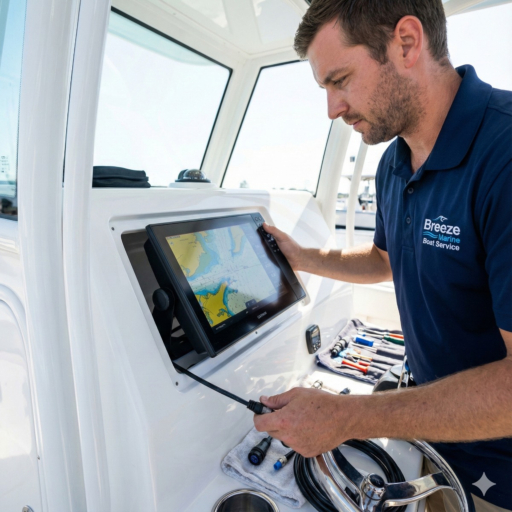
Good chartplotter installation starts at the helm. The display should be visible from the helm seat without glare, easy to reach for touch or buttons, and positioned so it does not block the compass or the forward view. Flush mounting looks clean and protects the back of the unit but requires cutting the console; bracket mounting is simpler and allows tilting. Behind the panel, cables need strain relief, drip loops and clear labels, and the unit needs a dedicated fused supply sized for its current draw.
Boat Radar Installation
Radar performance depends on mounting height and a clear view. The antenna should be high enough to see over the bow at speed, but not so high on a small boat that it adds excess weight aloft or picks up a lot of sea clutter. It should clear people's heads, stay away from other antennas, and avoid shadowing from masts and outriggers. Cable runs through arches and hardtops must be sealed where they enter the structure. Once installed, heading alignment is set so targets line up with what you see by eye.
Radar overlay
When the radar and chartplotter share accurate heading data, the display can place the radar image directly on the chart. Radar overlay makes it easy to tell which returns are buoys, land or other vessels, but it only works properly with a reliable heading sensor on the network.
Fishfinder Transducer Installation
The transducer is where many sonar problems begin. It must sit in clean water, free from turbulence caused by strakes, through-hulls and propeller wash. Transom-mount transducers are easy to fit but can lose the bottom at planing speed if set too high. Through-hull transducers give the best performance, especially in deep water, but need a haul-out, a fairing block and correct bedding. In-hull (shoot-through) mounts avoid holes but lose some sensitivity and do not suit cored hulls. Good fishfinder transducer installation also means routing the cable away from power wiring to avoid interference.
Bringing It Together: The Glass Cockpit
A glass cockpit combines navigation, radar, sonar, engine data, cameras and even digital switching on one or two large displays. It is clean and powerful, but it depends on sound network design, clean power and consistent software versions. Keep all devices updated, record your settings, and make sure you can still navigate if one display fails.
Choosing a Marine Electronics Installer
Many owners can handle a small fishfinder swap, but a full marine electronics installation touches power distribution, networking, structural mounting and sometimes holes below the waterline. A capable marine electronics installer plans cable routes, sizes the wiring, tests the network and sets up the displays with you so you know how to use them. Whether you are looking for Long Beach marine electronics help or already have the gear on hand, ask to see a sketch of the planned network before work starts. For boat electronics installation in our area, our chartplotter, radar and fishfinder integration service covers design, installation and setup.
Electronics Install FAQ
Can I mix brands on one network?
Basic data such as position, depth and engine information is standardized and generally shares well. Advanced features such as radar on the chart and sonar sharing usually require devices from the same manufacturer's ecosystem.
Do I need to haul out for electronics work?
Only for through-hull transducers or other below-waterline fittings. Displays, radar and network work can all be done in the slip.
How often should electronics software be updated?
Check for updates at the start of each season and before long trips, and update all networked devices together to avoid compatibility issues.