
Satellite internet used to be something only large yachts could justify. Starlink changed that, and now owners of mid-size cruisers and sportfishers ask how to get reliable marine internet for weather downloads, streaming and work calls. The hardware itself is only part of the story. Where the antenna goes, how cables pass through the hardtop, how the system is powered and how the signal is distributed on board decide whether it works well or frustrates you every trip.
Choosing the Right Hardware
Starlink offers several antenna types, and not all of them are intended for boats. The standard residential dish is not designed for in-motion use or constant salt spray. For vessels, the usual choice is the Flat High-Performance antenna, which is built for mounting on a fixed surface, has a wide field of view and is designed to work while the boat is underway. When comparing a starlink marine package, look at the antenna type, the service plan that permits use on the water and the cable lengths supplied, because the distance from hardtop to electronics space is often longer than expected.
Where to Mount the Antenna
The antenna needs the clearest possible view of the sky. On boats, obstructions include radar arches, outriggers, antennas, flybridge tops and radar domes. A few practical rules:
- Mount it high and away from radar beams; do not place it in the radar's transmit path.
- Keep it clear of tall whip antennas and outriggers when they are deployed.
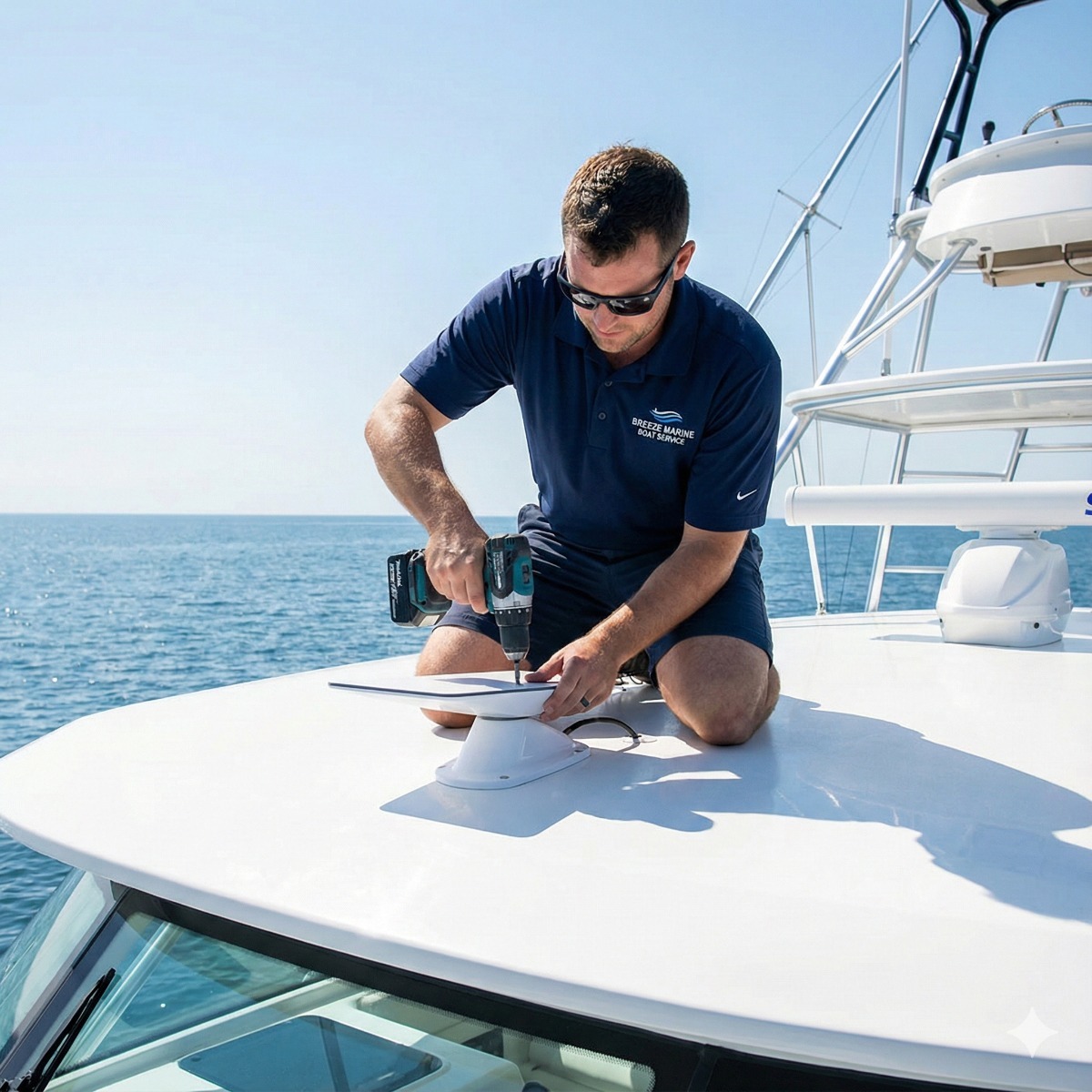
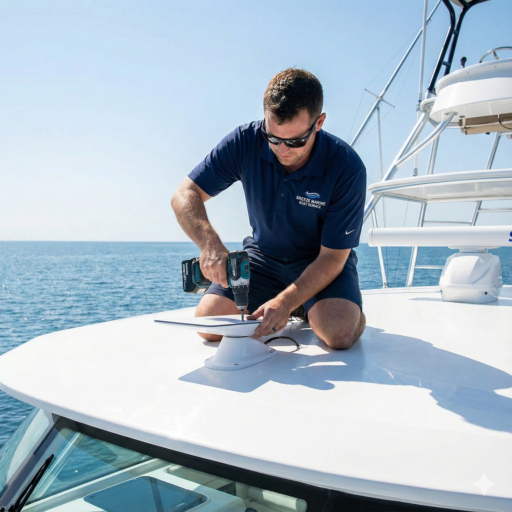
- Use a proper marine mount rather than improvised brackets or zip ties. A starlink flat high-performance panel catches wind at speed, so the mount must be rigid and corrosion-resistant.
- Angle or position it so water runs off rather than pooling.
The Starlink app includes an obstruction check that is worth running from the intended location before drilling anything.
Cable Routing and Watertight Penetrations
The antenna cable has to pass through the hardtop or deck. This is where many installations fail over time. The hole should be sized for a marine cable gland, sealed properly and positioned so water cannot track along the cable into the structure. Cored hardtops should have the exposed core sealed to prevent water migration. Inside, the cable needs support, chafe protection and a route away from heat sources and moving parts.
Power: The Part Many Owners Underestimate
Starlink draws considerably more power than most boat electronics, and the draw rises during heavy use or when the antenna heats itself in cold weather. Many systems run from AC power through an inverter, which adds conversion losses. Some setups use a DC power approach to avoid the inverter. Either way, a good Starlink marine setup includes:
- A calculation of daily energy use against battery bank capacity.
- Correct wire gauge and fusing for the supply circuit.
- A dedicated breaker so the system can be switched off at the dock.
- Consideration of how the charging system will replace the energy used at anchor.
Router and Network Options
The basic Starlink router works, but on a boat with a fiberglass or steel structure, Wi-Fi coverage from one small unit may not reach the cockpit or forward cabin. Many owners feed the Starlink signal into a marine-grade router and access points instead. A peplink router is a common choice because it can combine several connections. With Peplink integration, Starlink and a cellular modem can be used together so traffic fails over to 5G near the coast and to satellite offshore. More advanced 5G bonding can combine the connections to smooth out brief drops, which is useful for video calls.
What Owners Can Check Themselves
- Run the obstruction map from several candidate mount locations.
- Measure the cable path from mount to the electronics space.
- Check your battery capacity and charging sources.
- Confirm your service plan supports use on the water and in motion.
- Decide where you actually need Wi-Fi coverage on board.
When to Call a Technician
A professional starlink marine installation makes sense when the mount goes on a cored hardtop, when power needs new circuits or an inverter, or when you want cellular backup and whole-boat coverage. Our Starlink high-performance marine installation service covers mounting, watertight cable runs, power and network setup. Planned well, satellite connectivity becomes as dependable as the rest of your electronics.
Boat Satellite Internet FAQ
Can I use the standard Starlink dish on my boat?
It may work at a dock, but it is not intended for in-motion use or a marine environment. A marine-rated antenna and suitable plan are the better choice.
Will Starlink drain my batteries at anchor?
It can if the bank is small. Calculate its consumption and turn it off when not needed, or add charging capacity.
Do I need cellular backup?
Not always, but combining satellite with cellular gives redundancy near the coast and can improve reliability for calls.