
Hardware Performance Upgrades (SSD & RAM)
10x Faster.
Without Buying New.
Your computer isn't broken; it's just bottled up. By replacing old mechanical hard drives with modern SSDs and doubling your RAM, we can make a 5-year-old laptop perform like a brand new flagship device.
The SSD Advantage
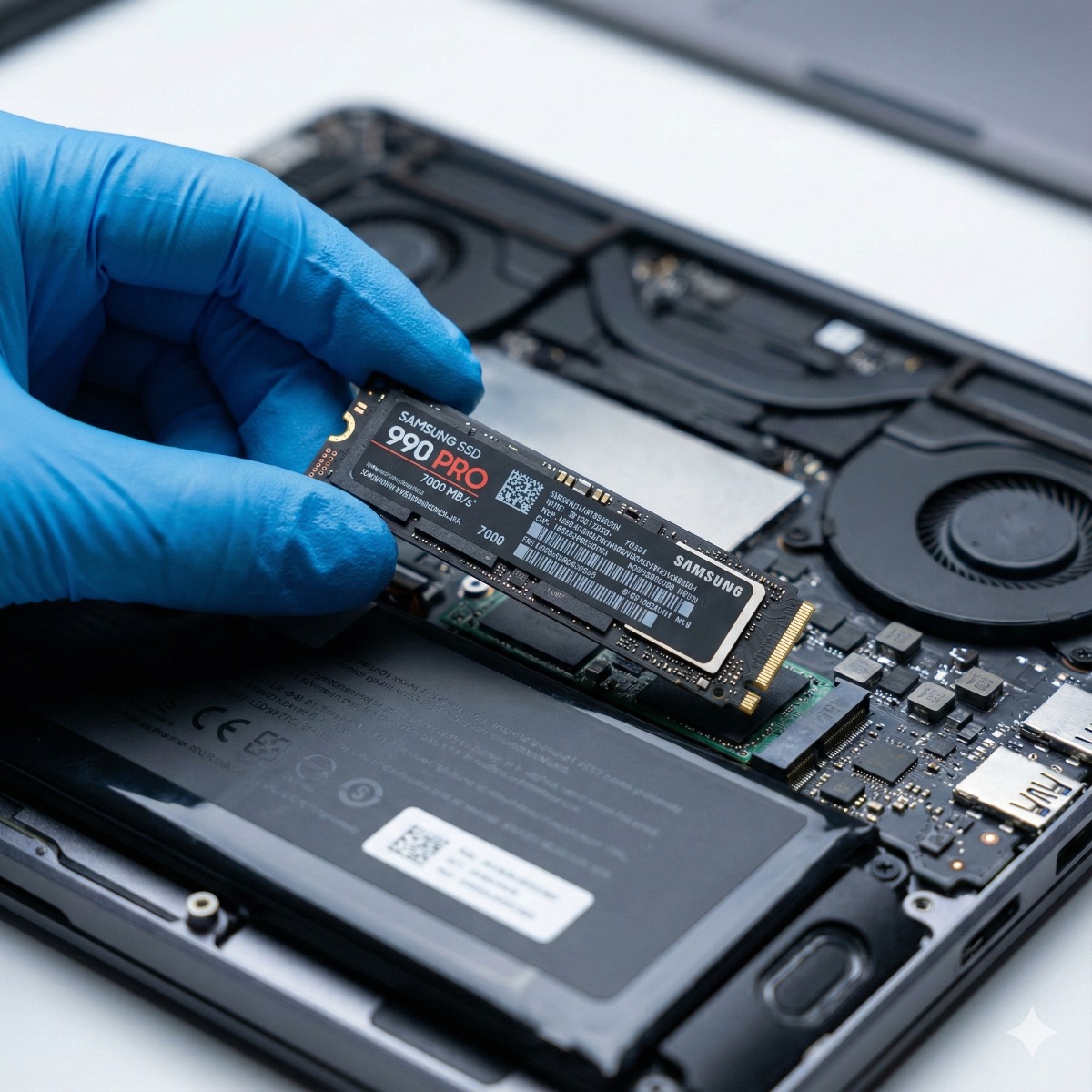
Old HDD drives spin at 5400 RPM. New NVMe Solid State Drives have no moving parts and read data up to 30x faster. Boot times drop from minutes to seconds, and apps open instantly.
RAM Multitasking
RAM is your computer's "short-term memory." If your browser freezes when you open 10 tabs, you need more RAM. We upgrade you from 8GB to 16GB or 32GB for effortless multitasking.
Zero Data Loss
Fear of losing files stops most upgrades. We use enterprise-grade cloning hardware to create a 1:1 bit-perfect copy of your old drive. Your wallpaper, files, and passwords stay exactly where they are.
The Upgrade Process.
Seamless transition to speed.
Compatibility Check
We scan your motherboard to find the maximum supported RAM speed (DDR4/DDR5) and the fastest supported drive interface (SATA vs NVMe M.2).
Data Cloning
We connect your old drive to our cloner. We mirror your entire operating system to the new, larger, faster SSD. No Windows re-installation needed.
Installation
We open the device, clean out accumulated dust (improving thermals), and install the new components using anti-static procedures.
Performance Verification
We run a benchmark test to confirm read/write speeds have improved and verify that all 100% of your user data is accessible.
Hardware We Install.
Only top-tier components.
Typical Gains.
Real-world performance metrics.
Common Questions
Will I lose my programs?
No. Our cloning process copies everything exactly as it is. When you turn on the computer with the new drive, your icons, passwords, and open documents will be right there.
Is it worth upgrading an old laptop?
If your laptop is under 6 years old, yes. An SSD upgrade costs a fraction of a new laptop and often provides a similar "snappy" feel for general office work.